Ask your doubt right on the line that confused you.
Highlight any sentence in an AI answer, ask what it means, and get the explanation inline — no new tab, no scrolling, no losing your place.
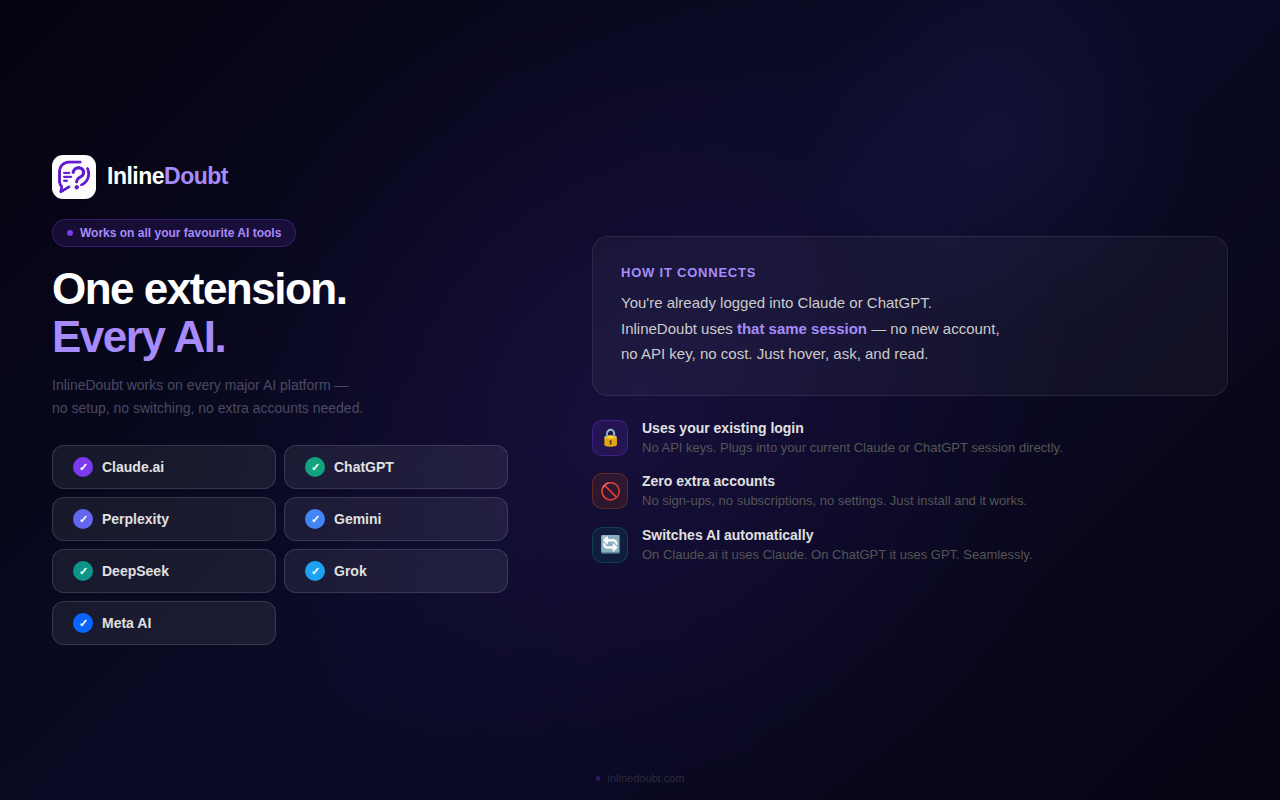
Works on Claude.ai, Perplexity, ChatGPT, Gemini, DeepSeek, Grok & Meta AI. Leave a review
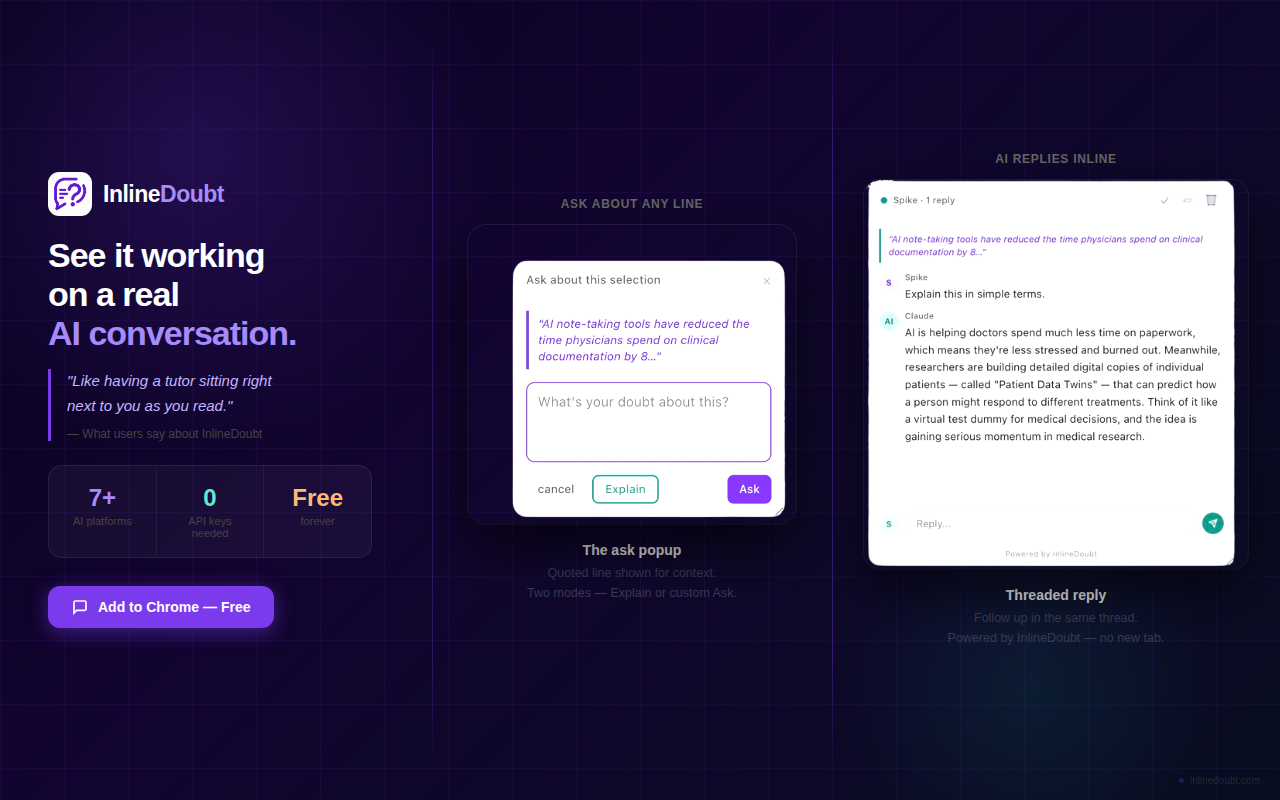
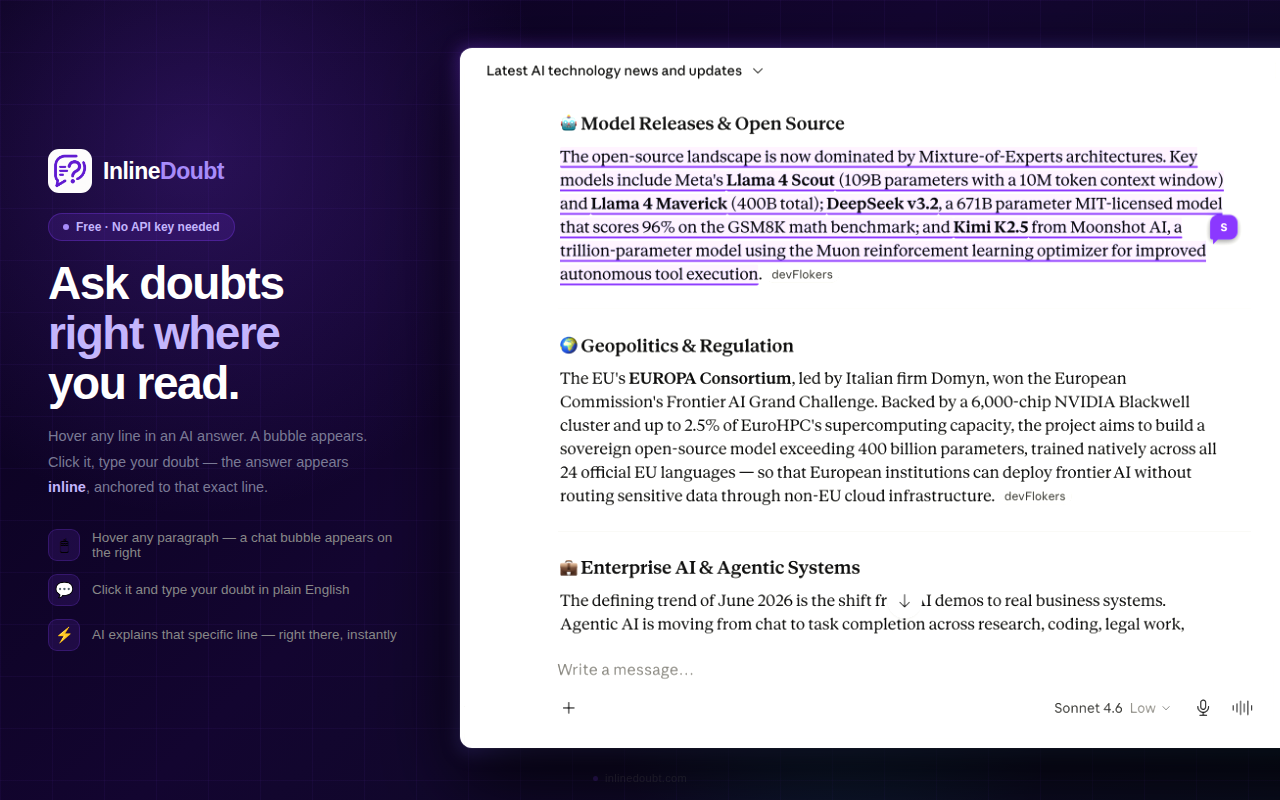
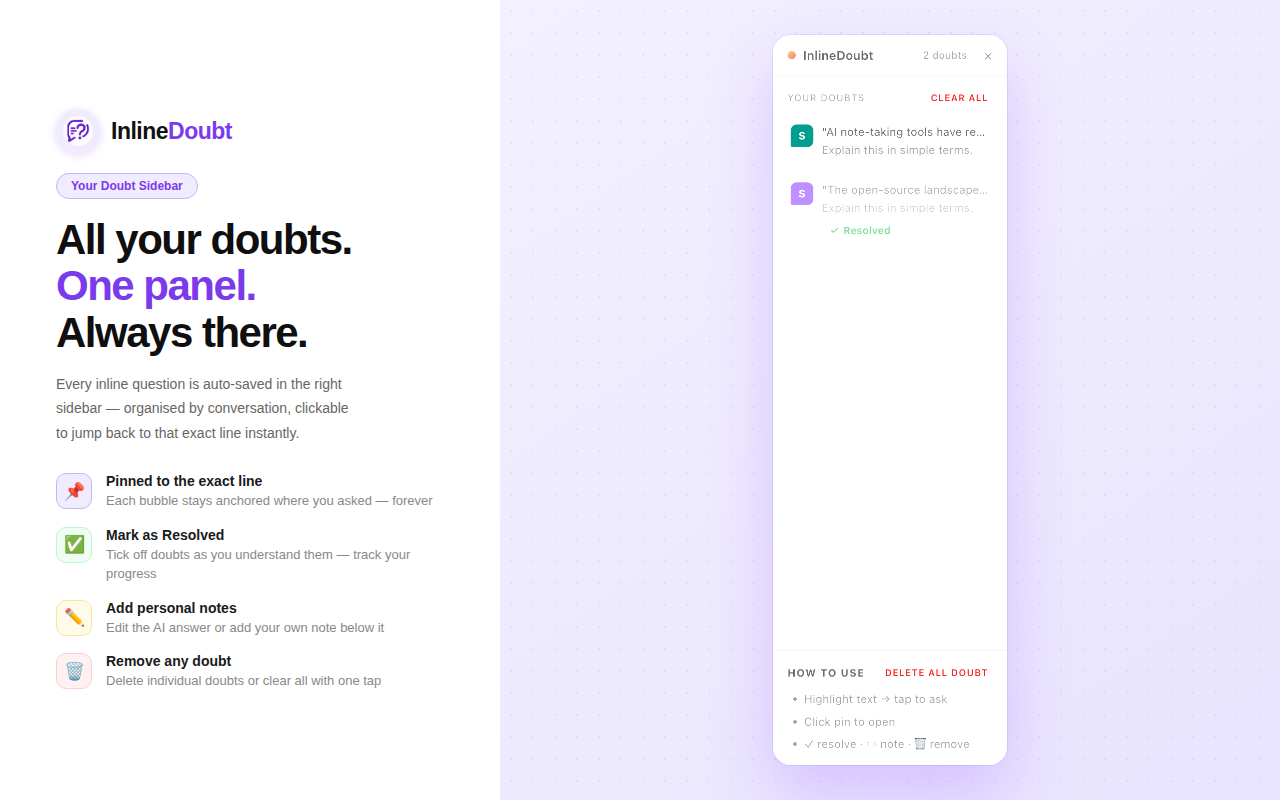
Four steps, zero context switching.
InlineDoubt sits on top of the page you're already reading — it doesn't take you anywhere else.
Select any context
Select any text in an AI answer you want explained.
Click the bubble
A small bubble appears on the right side of that exact line.
Type your doubt
Ask in plain English — follow-ups stay in the same thread.
Get it explained
The AI explains that exact line, right there, inline.
See each part of the workflow.
Four short clips, each covering one piece of how InlineDoubt fits into your day.
Works on the AI chat you already use.
No new account. InlineDoubt runs on top of the tab you have open.
Claude.ai & Perplexity
Uses your existing login session directly — unlimited and free.
ChatGPT, Gemini & more
Add a free API key — no card, no subscription, never expires.
Stop losing your place in AI answers.
Free to install. Takes about ten seconds.
Currently available for Chrome · Safari support is on the roadmap